Schema-first API contracts for no-code frontends that keep CRUD screens stable
Jamie
Why schema-first contracts matter for no-code CRUD
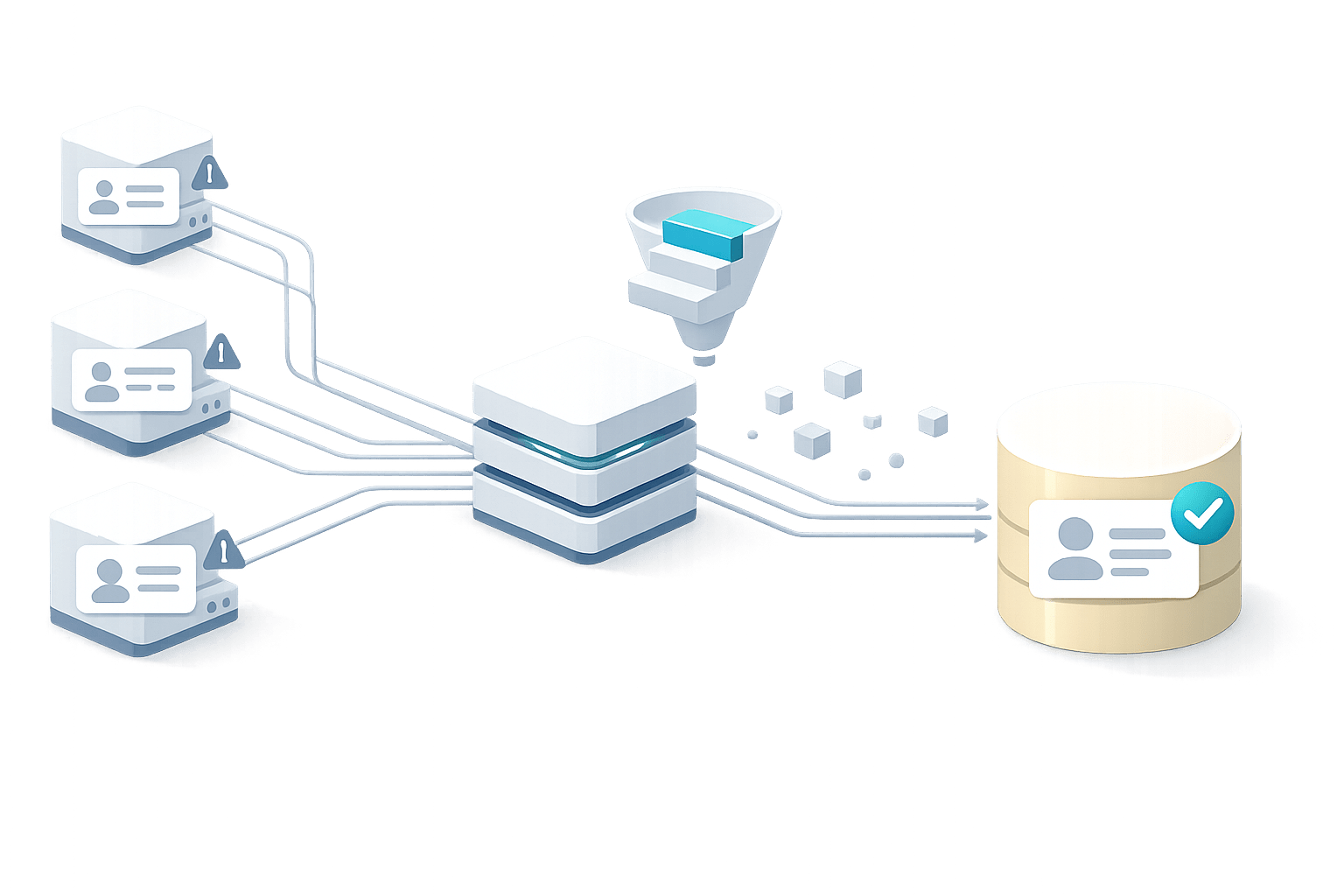
No-code frontends are at their best when they can reliably infer structure: which fields exist, which are required, how to validate inputs, and which relationships to display. The problem is that many CRUD screens are built on “whatever the API returns today.” Then a backend refactor lands (a field rename, a type change, a new required property), and suddenly forms break, lists show blanks, or saving throws mysterious errors.
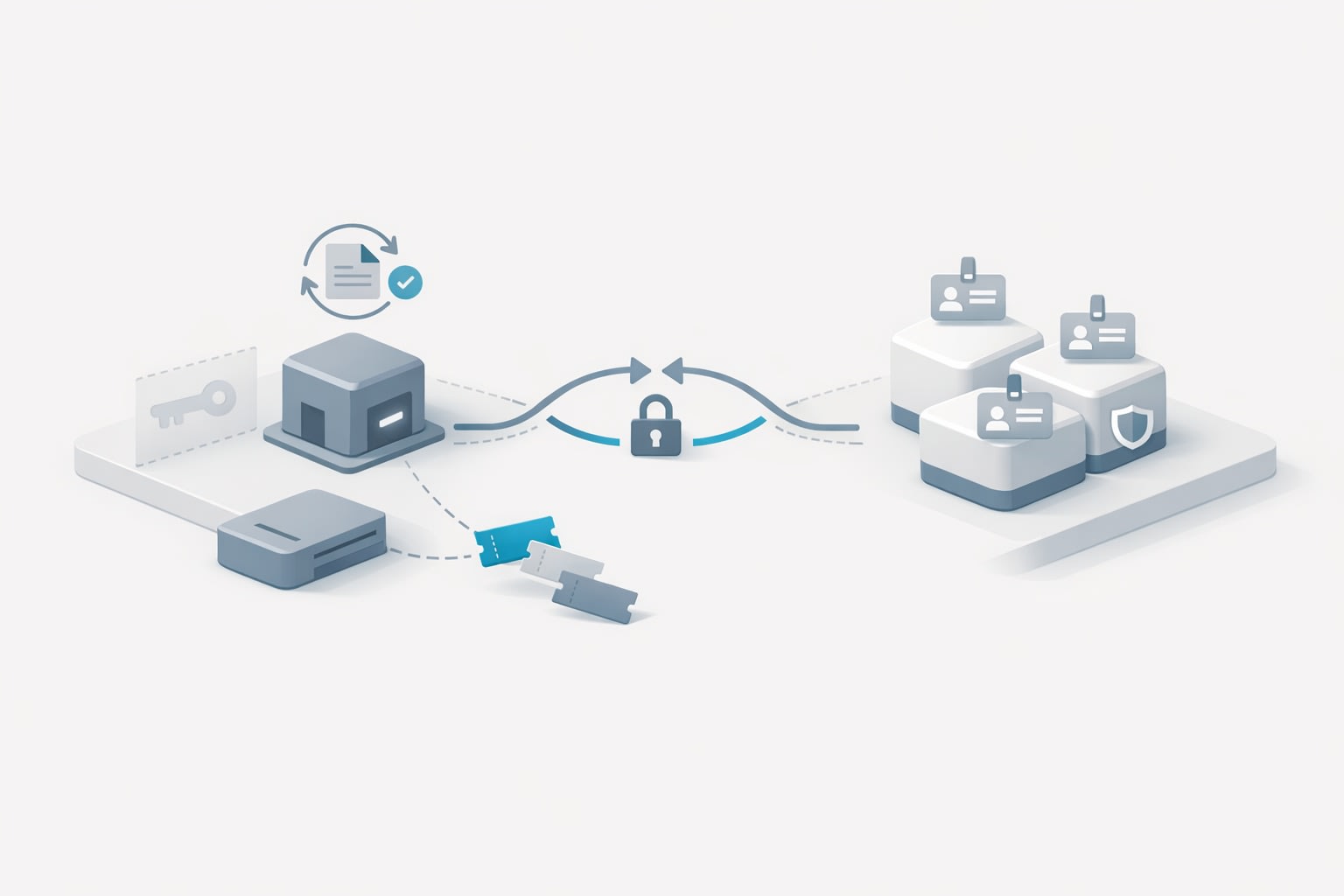
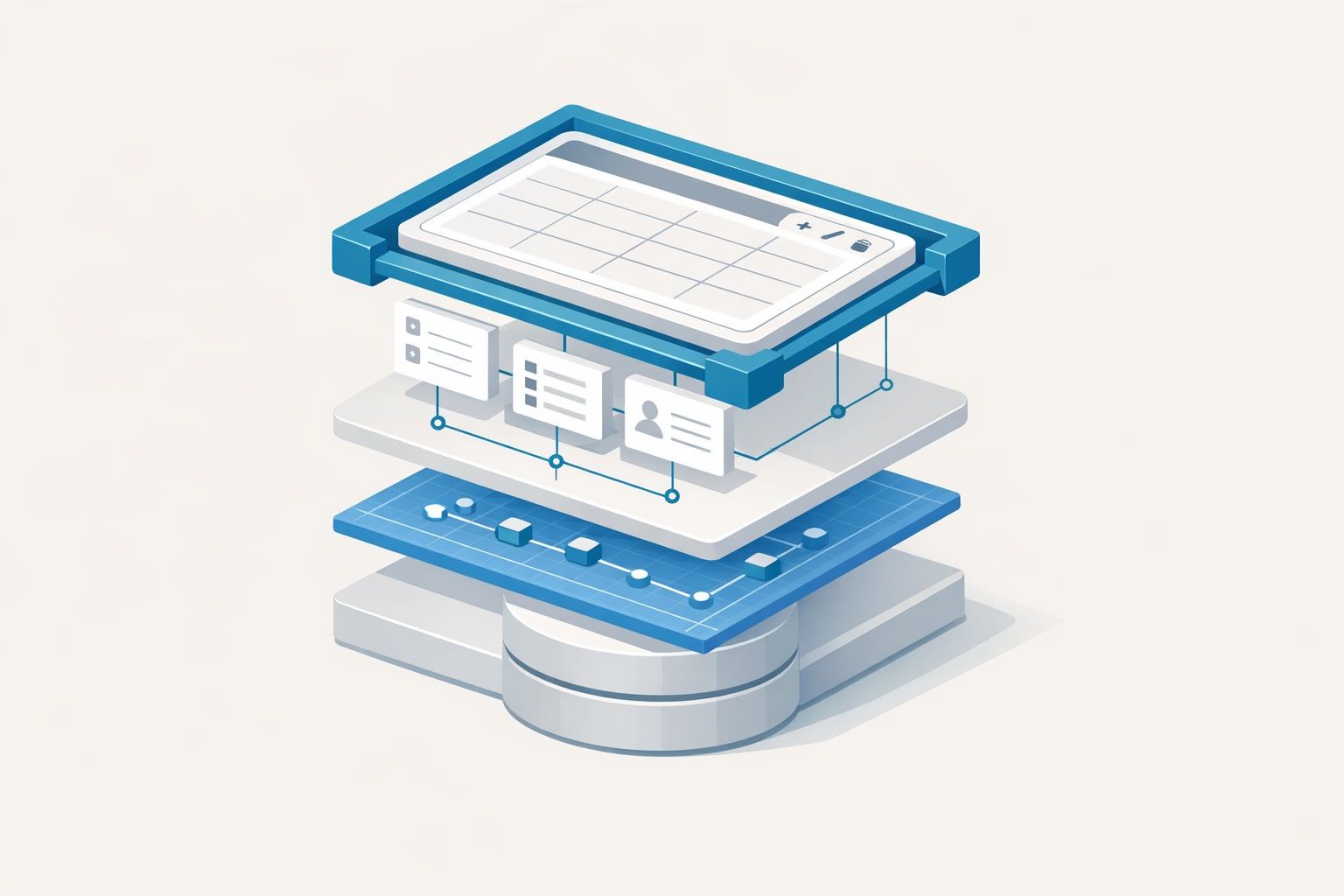
A schema-first API contract flips that dynamic. The backend publishes an explicit, versionable schema that the frontend generation system can trust. Instead of reverse-engineering fields from sample responses, your no-code builder can generate CRUD screens from a contract that is designed to be consumed.
What “schema-first” means in practice
Schema-first doesn’t require a single technology, but it does require a disciplined agreement: the contract is the product, and the implementation must match it. In practice you’ll see it in one of these forms:
- OpenAPI for REST endpoints (paths, request/response schemas, auth, errors).
- JSON Schema for data objects and validation rules.
- GraphQL schema for typed queries/mutations and introspection-based tooling.
The core idea is the same: a machine-readable spec becomes the source of truth for field names, types, constraints, and change tracking.
The minimum contract details your CRUD generator needs
If you want to auto-generate CRUD screens that look and behave like real software—not toy demos—your contract needs more than just “string vs number.” These are the elements that prevent breakage and reduce manual patching:
1) Stable identifiers and predictable resource shapes
Every collection needs a stable primary key (often id) and a consistent envelope for list and single-item responses. If your list sometimes returns an array and sometimes returns an object with pagination metadata, generation becomes fragile.
Pick a pattern (for example: { data: [], meta: { page, pageSize, total } }) and commit to it.
2) Field metadata for forms, not just storage
CRUD screens need UI intent. Your schema should carry at least:
- Required vs optional fields
- String formats (email, URL, date-time)
- Enums and allowed values
- Min/max (length, numeric bounds)
- Read-only/write-only semantics
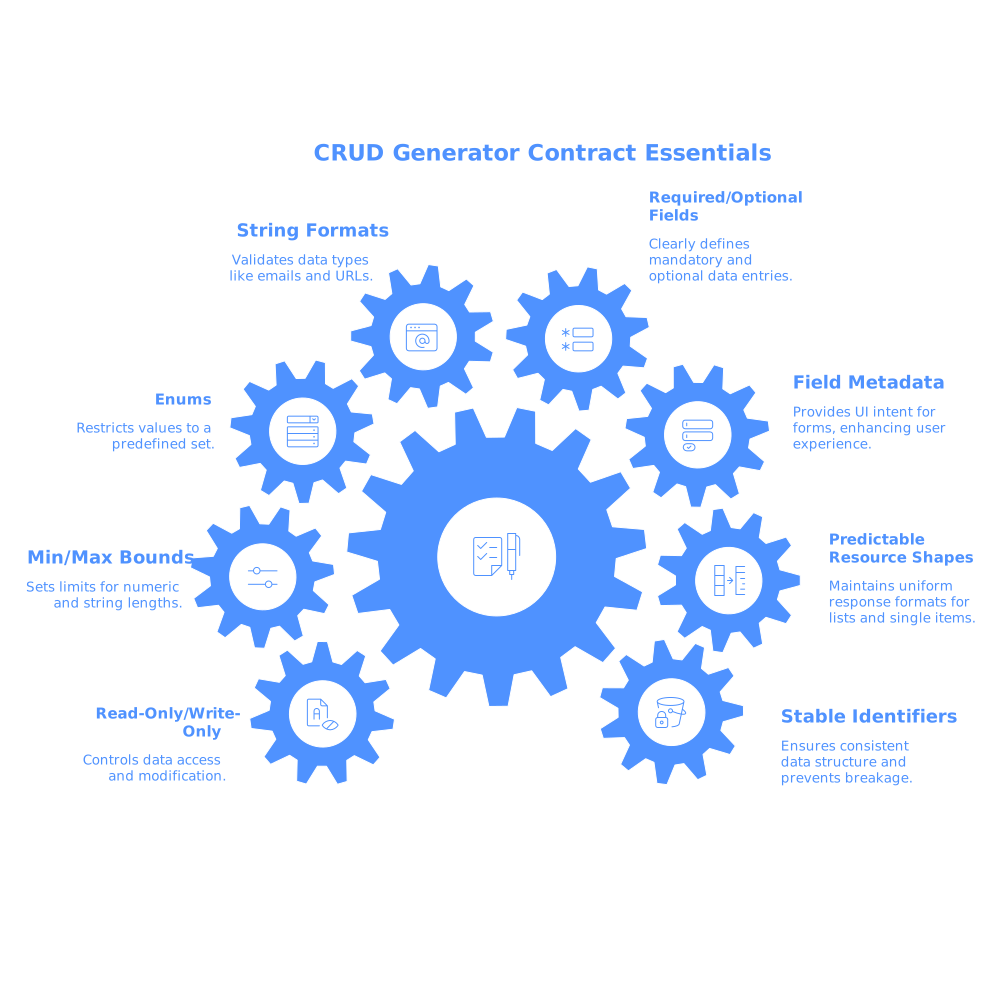
This is where JSON Schema or OpenAPI shine: they let you express constraints that map directly to input validation and default widgets.
3) Relationship hints
A CRUD generator needs to know when a field is a foreign key, a many-to-many link, or a nested object. Without relationship hints, you’ll end up with raw IDs in tables and awkward text inputs in forms.
Common approaches include:
- Consistent naming (
customerId) plus a convention for lookups (e.g.,/customers). - Explicit
$refusage for nested objects. - Vendor extensions in OpenAPI (e.g.,
x-relationship) that your generator understands.
4) Error shapes you can render
Auto-generated forms can only display actionable feedback if errors are structured. A contract should specify:
- Validation errors by field (e.g.,
errors: { email: "invalid" }) - Global errors (permissions, conflicts, rate limits)
- Consistent HTTP status usage
How to generate CRUD screens without coupling to backend internals
The real goal isn’t just “generate once,” it’s “regenerate safely.” The trick is to design your generation workflow so the frontend depends on the contract, not on incidental API behavior.
Use a contract layer, not production endpoints, as your input
Have a single place where your schema is published and versioned: a repo, registry, or gateway. Treat it like an artifact. Your no-code tool should pull the spec, then generate models, forms, and lists from that.
In a visual builder like WeWeb, this approach pairs well with an API-first data layer: you connect to your backend (or gateway), import the schema, and build UI flows that are driven by typed collections rather than ad hoc responses. The benefit is you can iterate visually while still being strict about contracts. For teams exploring this pattern with a visual editor plus exportable Vue.js code, weweb.io fits naturally into a schema-first workflow.
Separate “generated base screens” from “custom UX”
Generated CRUD gets you 70–90% of the way. The last 10% is where business value lives: conditional fields, multi-step creation, bulk actions, inline editing, and permission-aware UI.
To avoid losing custom work on regeneration, keep a clean separation:
- Base layer: generated list/create/edit screens that you can overwrite.
- Extension layer: reusable components, workflows, and layout decisions that persist.
This is also where design systems help: when the generator changes a form, it still renders through the same input components and tokens.
Make backward compatibility a release requirement
Contracts prevent surprises only if you enforce them. Add checks in CI:
- Validate implementation against the OpenAPI/JSON schema.
- Run a “breaking change” diff between the last published spec and the new one.
- Block merges when a breaking change isn’t accompanied by a version bump.
This is an engineering process problem as much as a tooling problem. If your team already suffers from operational noise, an integration debt audit checklist mindset applies here too: reduce contract drift before it reaches your UI.
Versioning strategies that keep CRUD screens from breaking
Versioning is where schema-first becomes resilient. A few patterns work well for CRUD-heavy apps:
Additive changes by default
The safest changes are additive: new optional fields, new endpoints, new enum values that your UI can ignore. Your generator can then expose new fields only when you decide to.
Deprecation windows for field renames
Renaming phone to phoneNumber is breaking if done abruptly. A stable approach:
- Introduce
phoneNumberas optional. - Keep
phonebut mark it deprecated in the schema. - Have the backend populate both during the transition.
- Remove the deprecated field only in the next major version.
With this, your CRUD generator won’t suddenly lose data bindings, and your no-code screens can be migrated deliberately.
Explicit major versions when behavior changes
If your update changes required fields, meaningfully alters types, or changes authorization rules, treat it as a major API version. This allows generated screens to pin to a known contract while you migrate UI flows.
Making changes visible before users feel them
Even with a contract, “breakage” can show up as confusing UX rather than runtime errors: a new required field that isn’t displayed yet, a stricter validation rule, or a permission change that makes a save fail.
Two habits help:
- Contract-driven previews: regenerate screens in a staging environment whenever the spec changes, so product and QA can visually verify.
- Change logs for consumers: publish a concise “what changed in the schema” note so frontend builders know what to update.
When you combine that with disciplined request intake, you reduce churn. If your team is constantly re-triaging the same “form is broken” report from multiple channels, the pattern described in feedback debt and duplicate requests is usually present: a hidden backlog of small contract mismatches repeatedly resurfacing.
A practical starting point for teams using no-code frontends
If you want schema-first CRUD generation without boiling the ocean, start with one resource (e.g., Customers) and implement:
- A published OpenAPI spec with request/response schemas
- Consistent list and detail response envelopes
- Field-level validation rules and clear error shapes
- A CI check that blocks breaking contract changes
Once one CRUD flow can be regenerated safely, the rest of the product tends to follow the same conventions—because the payoff is immediate: fewer brittle screens, faster iterations in a visual builder, and backend changes that don’t turn into emergency frontend rewrites.