The Meeting Replay Index for Onboarding and Cross-Team Handoffs
Jamie
Build a searchable clip library instead of rewatching meetings
Every team has the same quiet tax: hours of onboarding calls, customer interviews, roadmap reviews, and internal handoffs that disappear into long recordings. Someone inevitably asks, “Did we decide X?” or “What did the customer actually say?” and the answer lives somewhere inside a 45‑minute video nobody has time to scrub through.
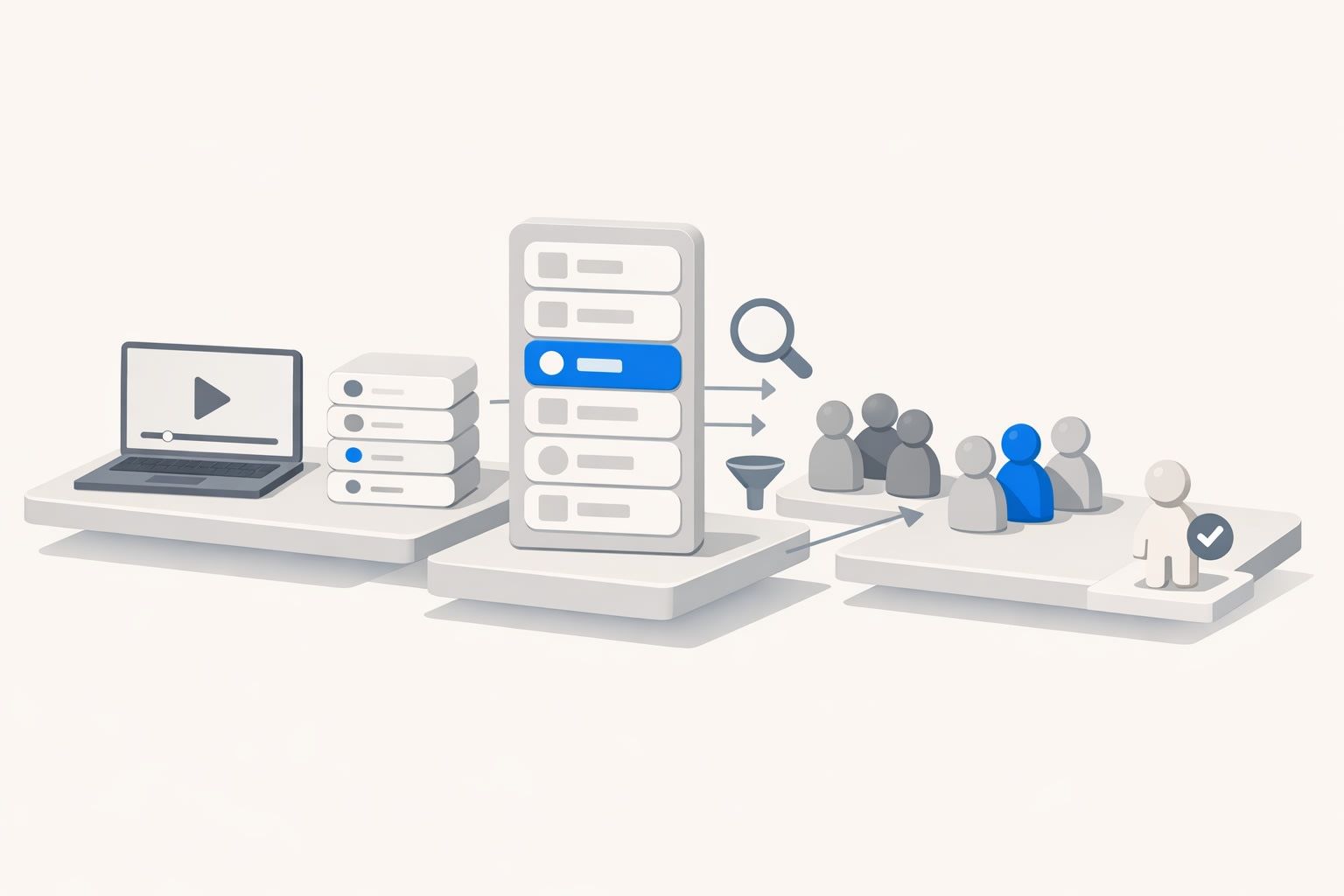
A lightweight fix is to treat your meeting archive like a replay system: capture transcripts, pull out a small set of high-signal moments, and index them so anyone can find the exact clip later. That’s the core idea behind a Meeting Replay Index—a repeatable way to turn transcript highlights into a searchable clip library for onboarding and cross-team handoffs.
What the Meeting Replay Index is
The Meeting Replay Index is not a new tool so much as a simple operating system:
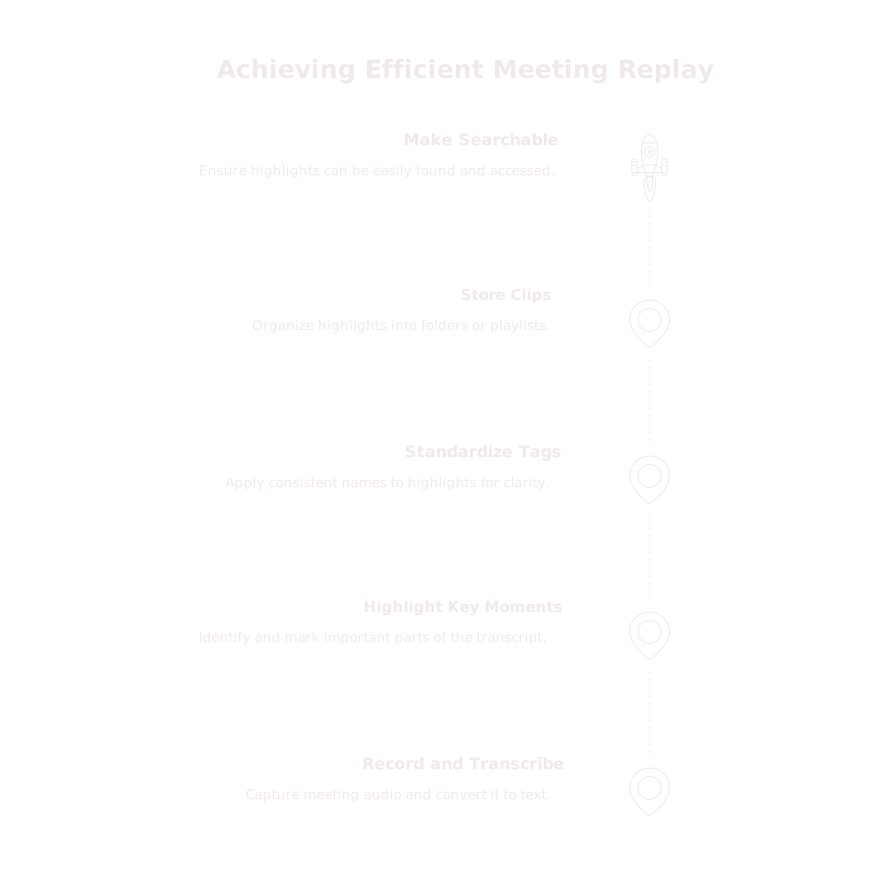
- Record and transcribe meetings reliably.
- Highlight the handful of moments that matter.
- Standardize tags so highlights are consistently named.
- Store clips in a predictable structure (folders/playlists) aligned to how teams work.
- Make everything searchable so the next person can self-serve context in minutes.
This system works best when it’s “lightweight by default.” You’re not trying to build a knowledge base that’s perfect. You’re building one that’s usable: quick to maintain, easy to navigate, and trusted because it points to the original words said in the meeting.
Why highlights beat long recordings for onboarding and handoffs
Onboarding and cross-team handoffs fail for predictable reasons: context is scattered, decisions are implicit, and the “why” behind tradeoffs gets lost. Long recordings don’t solve this because they aren’t searchable in a practical way and they don’t advertise where the important parts are.
Highlights change the workflow:
- They are reviewable. A new teammate can watch five 60‑second clips instead of sitting through an hour.
- They preserve nuance. You get tone, emphasis, and exact phrasing—especially valuable for customer voice and sales discovery.
- They reduce re-litigation. When a decision resurfaces, you can point to the clip that captured the rationale.
How to set up the index in under a week
1) Define a “highlight contract”
Most teams fail here by making highlighting optional or vague. Keep it simple: for every meeting category you care about, define what qualifies as a highlight and how many you expect.
- Customer calls: 3–6 highlights (pain, success metric, objections, buying process, next steps).
- Roadmap/decisions: 2–4 highlights (decision, alternatives considered, constraints, owner/date).
- Incident/postmortem: 3–5 highlights (root cause, contributing factors, preventative actions).
The goal is consistency, not completeness. You want highlights to be predictable enough that people start trusting the library.
2) Standardize the highlight titles
Search works when naming is consistent. A simple format is:
- [Team] [Topic] — [Outcome]
Examples:
- Sales Objection — Security review timeline
- Product Decision — Ship pricing page v2 without calculator
- Customer Voice — “We need audit logs for procurement”
Keep titles short, descriptive, and written so someone outside the meeting can understand them.
3) Use a minimal tag set that maps to handoffs
Tags should reflect how people will retrieve clips, not how you wish they would. Start with 8–12 tags total, then expand only if search patterns demand it.
- Function: Sales, CS, Product, Eng, Marketing, RevOps
- Stage: Discovery, Onboarding, Renewal, Incident, Planning
- Asset type: Decision, Risk, Metric, Objection, Next step
Resist the temptation to create 40 tags. You’ll get messy, low-signal metadata that nobody uses.
4) Organize clips by “replay playlists”
Folders and playlists are where the index becomes a reusable onboarding path. A helpful structure is:
- Role playlists: “New AE in week 1,” “New PM onboarding,” “New Support lead.”
- Account playlists: A single customer’s key calls plus decision moments.
- Project playlists: A cross-team initiative with milestones and tradeoffs captured as clips.
This is also where you can turn tacit knowledge into an explicit path without forcing someone to read a huge doc.
5) Make search and retrieval effortless
The index only matters if people can find what they need while they’re doing real work. Tools that support global search across transcripts and highlights, plus lightweight collaboration (comments, shared folders), keep the system from becoming one more “documentation project.”
For many teams, Fathom fits naturally into this workflow because it captures calls, produces accurate summaries and action items immediately after meetings, and makes transcripts and highlights searchable across individuals and teams. When the highlights are tied to the transcript and the recording, you can move from “I think we said…” to “Here’s the exact clip” in seconds.
Operating the system without creating more process
A Meeting Replay Index works when it has a cadence:
- Within 30 minutes after the meeting: capture 3–6 highlights and apply standardized titles.
- Weekly: one owner curates 5–10 best clips into the relevant onboarding playlists.
- Monthly: prune duplicates, merge tags that don’t get used, and retire stale playlists.
Think of this as maintenance similar to grooming a backlog: small, regular passes prevent a big clean-up later.
Where teams get stuck and how to avoid it
Stuck on “we’ll tag later”
Later rarely comes. Make titles mandatory and tags optional at first, then gradually enforce tags once the team sees retrieval patterns.
Stuck on duplicated questions across teams
Handoffs often fail because the same request shows up in support tickets, sales calls, and forum threads—but is treated as unrelated. A clip library helps you detect repetition by letting multiple teams search for the same phrasing and save the best examples. If you’re already thinking about how to reduce repeated asks, the idea of tracking feedback debt across support, sales, and forums pairs well with a replay index: clips become evidence, not anecdotes.
Stuck on attribution and “what did they mean by that?”
When highlights get exported into other systems, context and attribution can degrade. To keep clips useful, preserve stable identifiers: meeting name/date, participants, and the transcript segment that generated the highlight. If your org is dealing with broken references in AI outputs, the broader concept behind persistent entity IDs for reliable citations is directly applicable: the index should point back to the same canonical moment every time.
What a good index looks like after 30 days
- Onboarding is faster: new teammates have role playlists that show “how we talk to customers” and “how decisions get made.”
- Cross-team handoffs are cleaner: product, sales, and CS can share clips instead of re-explaining context.
- Decision history is defensible: when priorities change, you can revisit the actual constraints and commitments captured in the moment.
- Search becomes a habit: people look up prior calls before asking for a meeting.
The payoff isn’t a perfect library. It’s a practical replay system that turns meeting time into durable, searchable knowledge—without turning your team into full-time documentarians.