A 30-Minute Workflow to Turn Post‑Mortem Action Items Into a Gantt and Next‑Incident Checklist
Jamie
Why post-mortems fail in practice
Most incident post-mortems produce a familiar artifact: a list of action items that feels “accountable” in the moment and then quietly degrades into scattered tickets, unclear ownership, and missing dependencies. The problem isn’t effort; it’s shape. A flat list can’t express sequencing, constraints, or what “ready for the next incident” actually means.
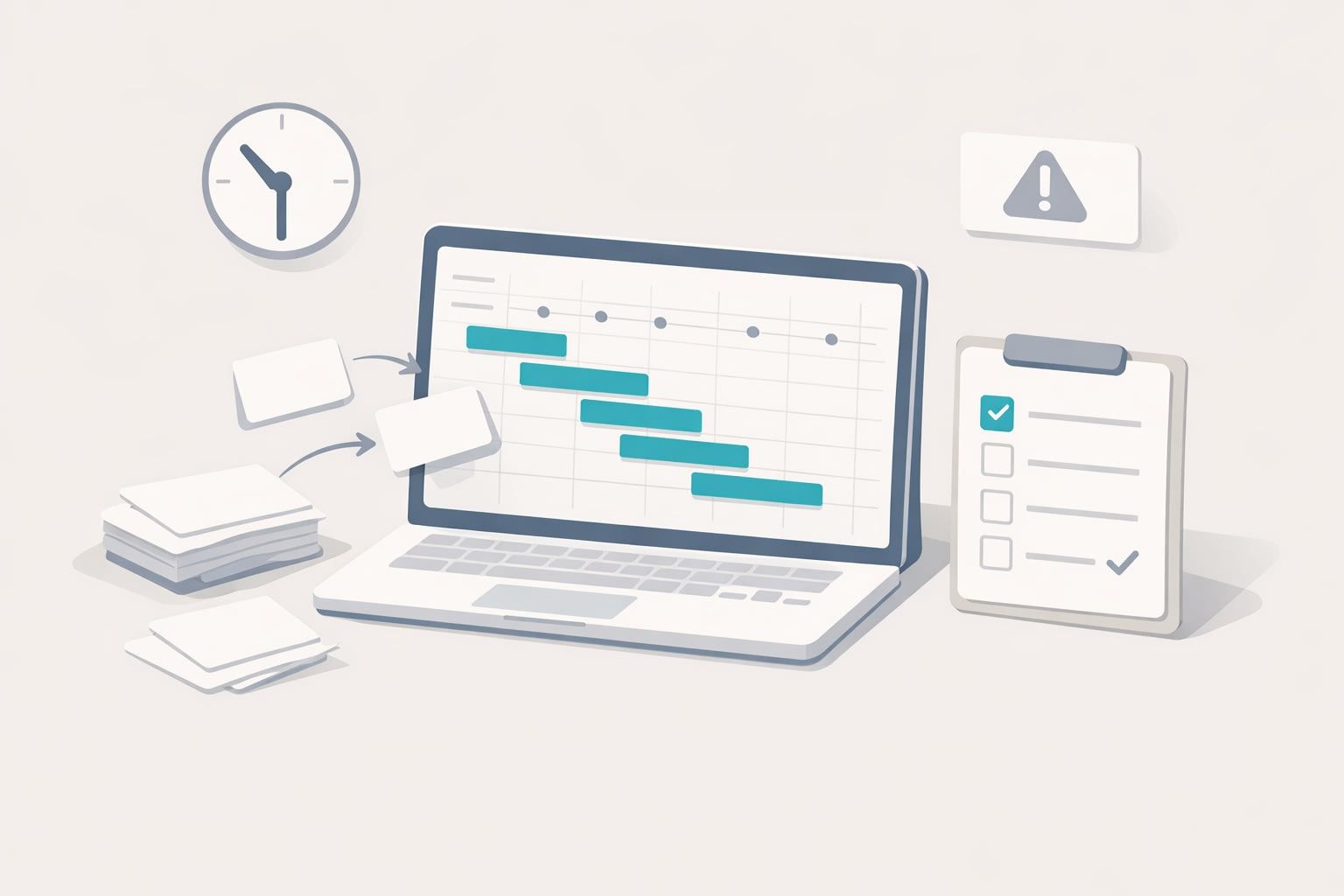
This 30-minute workflow converts action items into two outputs your team can operate from immediately: an owner–dependency Gantt (so work can start without hidden blockers) and a “next-incident readiness checklist” (so you can validate preparedness before the next outage). You’ll also end up with a lightweight visual your stakeholders can understand at a glance—ideal for generating and refining with a text-to-visual tool like napkin.ai.
Inputs you need before starting the 30 minutes
- The post-mortem action items (even if messy)
- Any existing owners (names, teams, or placeholders)
- A shared doc or whiteboard where everyone can see edits live
- Optional: links to the incident timeline, dashboard screenshots, and key tickets
Keep this workflow intentionally lightweight. Your goal is not perfect project management; it’s removing ambiguity so action items become schedulable work.
The 30-minute workflow
Minute 0–5: Normalize action items into “deliverables”
Start by rewriting each action item into a deliverable format:
- Verb + artifact (e.g., “Add alert” → “Create latency SLO alert in PagerDuty”)
- Definition of done in one line (e.g., “Alert fires on 99p > 800ms for 10 min and links to runbook”)
- Primary owner role (not just a person; use “On-call lead,” “Data eng,” “CRM ops,” etc.)
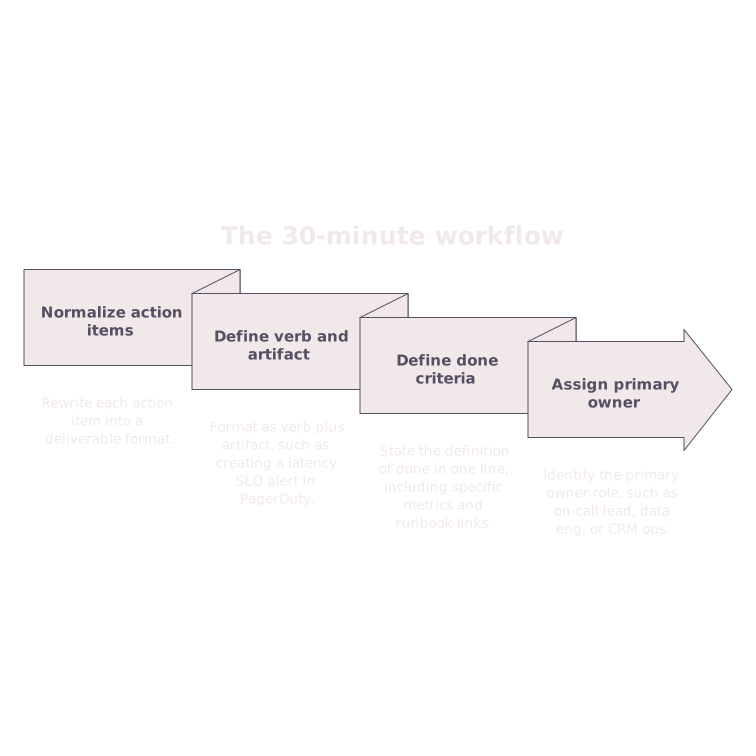
This step is where “fix the thing” becomes an auditable outcome. If an item can’t be expressed as a deliverable, it’s a sign you’re still in diagnosis mode.
Minute 5–12: Add dependency tags and unblockers
For each deliverable, assign one of three dependency states:
- Independent: can start now with current info and access
- Blocked: cannot start until a specific prerequisite exists
- Conditional: can start partially, but needs a later decision or data
Then write the unblocker in plain language: “Needs a schema decision,” “Needs access to vendor logs,” “Needs sign-off from security.” If you do nothing else in this whole workflow, do this—most “stalled” action items are actually missing unblockers.
Minute 12–18: Convert items into an owner–dependency map
Now create a simple table with five columns:
- ID (A1, A2, A3…)
- Deliverable
- Owner
- Depends on (IDs only)
- Estimate (S/M/L is fine)
Keep dependencies strict. If A7 “depends on everything,” it’s not a real dependency—it’s a risk statement. Split it into smaller deliverables so you can express true sequencing.
Minute 18–25: Build the Gantt as a communication artifact
You’re not building a perfect timeline; you’re building a shared model of sequence and ownership.
Rules for your first pass:
- Place independent items first in parallel lanes by owner/team.
- Chain blocked items behind their prerequisite IDs.
- Use “earliest start” logic instead of arguing about exact dates.
- Mark “decision points” as milestones (e.g., “Choose logging retention policy”).
If you’re doing this in a visual tool, paste the owner–dependency table as text and generate the first diagram automatically, then adjust wording and layout. Teams often underestimate how much faster alignment becomes when dependencies are visible in a single frame.
A subtle but important benefit: the Gantt exposes cross-functional waiting. If CRM ops is blocked on data engineering for a revenue reconciliation fix, it will show up as a real constraint instead of a vague “follow-up.” (If that’s a recurring theme for you, the patterns behind revenue reporting mismatches between CRM, ad platforms, and analytics are a common source of incident-like confusion even outside outages.)
Minute 25–30: Generate a “next-incident readiness checklist”
The checklist is a fast way to verify you can respond better next time, even before every fix ships. Build it from your action items using four sections:
- Detection: “Do we know it’s happening?” (alerts, dashboards, SLOs)
- Triage: “Can we localize the problem quickly?” (logs, traces, query links, runbooks)
- Mitigation: “Can we reduce impact safely?” (feature flags, rate limits, rollback steps)
- Communication: “Can we keep humans aligned?” (status page steps, escalation paths, templates)
For each section, add 3–7 yes/no checks that correspond to tangible artifacts. Examples:
- Detection: “Latency SLO alert routes to the right on-call rotation.”
- Triage: “Runbook links to the exact dashboard panels and log queries used during the incident.”
- Mitigation: “Rollback procedure is tested in staging within the last 30 days.”
- Communication: “Status updates template includes customer impact + workaround + next update time.”
The checklist should be used before the next incident (e.g., in weekly reliability review) and during the next incident as a memory aid. It’s not busywork; it’s operational scaffolding.
How to keep the outputs alive after the 30 minutes
Turn the Gantt into an execution cadence
- Weekly: review only blocked items and their unblockers.
- Biweekly: refresh estimates and re-sequence based on what shipped.
- Monthly: archive completed deliverables and compress the diagram.
The Gantt is most valuable when it remains readable. If it becomes a wall of tiny boxes, extract a “top 10 risk reducers” lane and keep the rest in your tracker.
Use readiness checks to prevent false alarms and confusion
Incidents often include a second-order failure: teams overreacting to incomplete data. If your monitoring and reporting systems have delays, you can encode that into readiness checks such as “Lag-aware dashboards are used for incident decisions” and “On-call knows the expected delay bounds.” If you’ve seen spiky metrics cause panic, modeling it explicitly (like a data-lag ladder) can prevent churn and premature rollbacks.
A simple template you can copy
Owner–dependency table (paste-ready)
- A1 — Deliverable — Owner — Depends on — Estimate
- A2 — Deliverable — Owner — Depends on — Estimate
- A3 — Deliverable — Owner — Depends on — Estimate
Next-incident readiness checklist (paste-ready)
- Detection: [ ] … [ ] … [ ] …
- Triage: [ ] … [ ] … [ ] …
- Mitigation: [ ] … [ ] … [ ] …
- Communication: [ ] … [ ] … [ ] …
Once you’ve filled these in once, your next post-mortem becomes faster: you’re no longer reinventing structure—just updating deliverables, dependencies, and readiness gaps.