Toolchain Sync Protocol for Remote Pair Programming Without Linter or Test Drift
Jamie
Toolchain drift is the hidden tax on cross-OS pairing
Remote pair programming across macOS and Windows tends to fail in a quiet, repetitive way: the code is fine, but the tooling results aren’t. One person’s formatter changes files the other didn’t touch. A linter rule fires on one machine but not the other. Tests pass locally for the driver, fail for the navigator, and everyone loses confidence in the feedback loop.
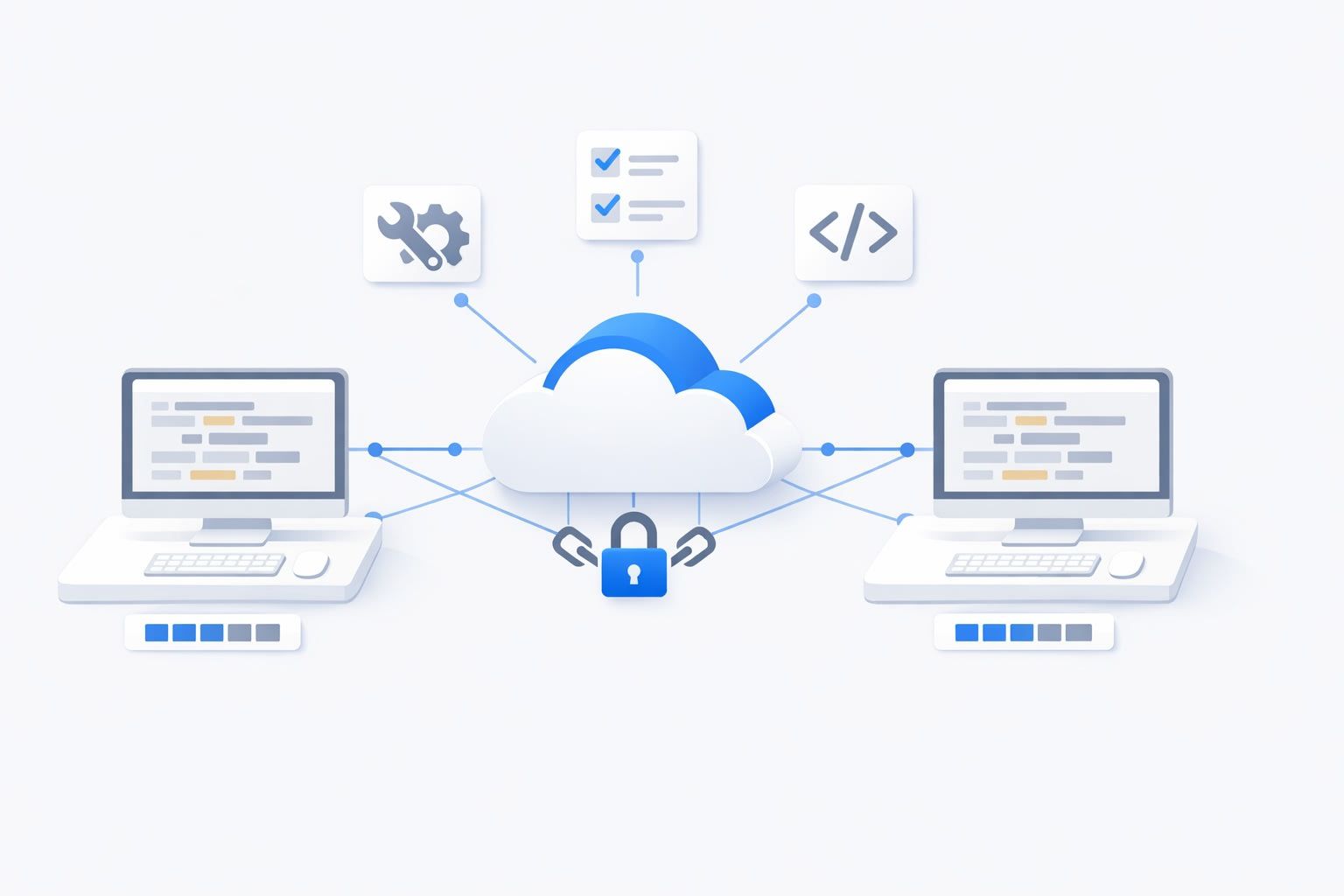
The “Toolchain Sync” protocol is a practical way to eliminate that drift. It’s not a new product or a new framework; it’s a set of conventions that make your linter, formatter, and test runner behave like a single shared system, even when two developers are pairing across different operating systems and shells.
The Toolchain Sync protocol in one sentence
Pin tool versions, execute them through the same entrypoints, and make the repo itself the source of truth for configuration and runtime so every check is reproducible on any machine.
What “drift” actually looks like during pairing
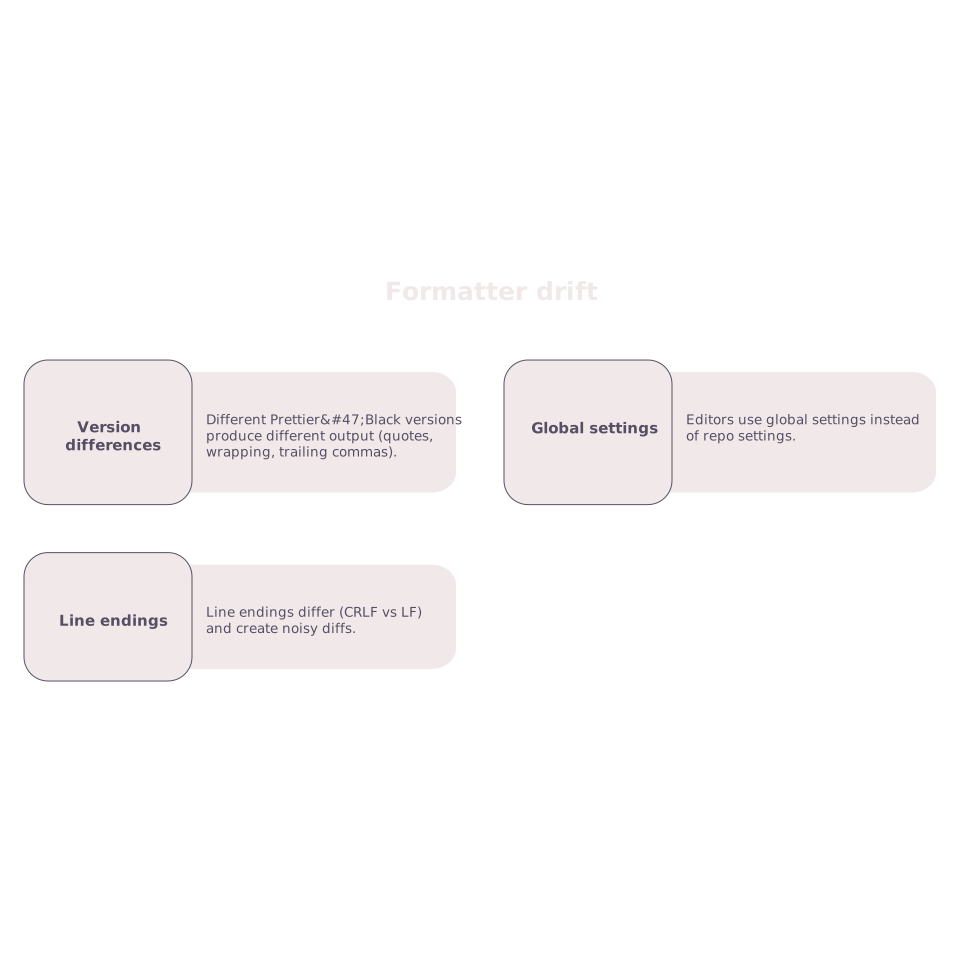
Formatter drift
- Different Prettier/Black versions produce different output (quotes, wrapping, trailing commas).
- Editors use global settings instead of repo settings.
- Line endings differ (CRLF vs LF) and create noisy diffs.
Linter drift
- A plugin is installed globally for one developer but not the other.
- Node/Python/Ruby version differences change rule behavior or parsing.
- Ignored files differ because of uncommitted local config.
Test drift
- Different runtime versions (Node/Java/Python) lead to different dependency resolution or timing.
- Environment variables exist on one machine but not the other.
- OS-specific path handling breaks snapshots or fixtures.
Protocol Step 1: Make the repository the contract
The core rule: if the repo doesn’t define it, it doesn’t exist. Toolchain Sync starts by committing the inputs that control behavior:
- Tool versions (runtime + key tools): Node/Python/Java version, formatter version, linter version, test runner version.
- Config files: formatter config, linter config, test config, editor config.
- Line-ending policy: enforced via
.editorconfigand Git settings.
In practice, this usually means adding (or auditing) files like .editorconfig, runtime pin files (for your ecosystem), and ensuring your linter/formatter configs live in the repo rather than personal dotfiles.
Protocol Step 2: Pin versions and enforce them automatically
“We use Prettier” isn’t a pin. “We use Prettier 3.3.3 invoked from the repo” is. Your goal is for both pair partners to run the same binary with the same inputs.
- Pin runtimes: use a version manager and commit the version file (for example, Node via a version file, Python via a version file, etc.).
- Pin tool dependencies: keep formatter/linter/test runner in the project’s dependency manifest, not installed globally.
- Lock dependency resolution: commit lockfiles so the dependency graph is identical.
Then add a lightweight guardrail: a bootstrap script that checks versions and fails fast with a clear message. During pairing, “fail fast” is kinder than a half-hour of confusing diffs.
Protocol Step 3: Standardize entrypoints with one command per intent
Toolchain drift often comes from people running different commands. One partner runs an editor action, the other runs a CLI task, and they aren’t equivalent. Toolchain Sync uses a small, consistent command surface area:
- Format: one command that formats the repo (and only that command is recommended).
- Lint: one command that runs lint in CI mode.
- Test: one command that runs tests deterministically (with stable flags, stable reporters).
- Check: one command that runs format-check + lint + tests, matching CI.
Even if your underlying tools vary by language, the interface should be identical. That reduces cognitive load while pairing and makes it easier to swap driver/navigator roles without re-explaining “how we run things.”
Protocol Step 4: Normalize OS differences explicitly
Cross-OS pairing is where “it works on my machine” becomes “it works on my OS.” Toolchain Sync treats OS variance as a first-class concern:
- Paths: use tooling that handles Windows paths correctly; avoid hard-coded path separators in scripts.
- Shell: don’t rely on bash-only constructs if half the team is on PowerShell.
- Line endings: enforce LF in-repo where appropriate, and configure Git’s behavior intentionally.
- File watching: watcher limits and behavior differ; keep “watch mode” separate from the deterministic CI-like test command.
If you discover a platform-specific issue during pairing, write it down as a rule in the repo (a script change, a config change, or a documented constraint). That turns a one-off fix into a stable protocol improvement.
Protocol Step 5: Shift quality checks left with pre-commit, not personal habits
During pairing, you don’t want to debate whether someone ran the formatter. You want the system to make it hard to forget. A minimal pre-commit setup can run:
- format on staged files,
- lint on staged files (or fast subset),
- optionally unit tests for impacted packages.
The key is keeping it fast enough that pairs don’t disable it. If it’s slow, make it incremental locally and let the full “check” command run in CI.
Protocol Step 6: Pairing workflow that keeps feedback tight
Once the toolchain is synchronized, pairing gets noticeably smoother: role swaps become painless, diffs shrink, and disagreements are about code, not tooling. This is where your remote pairing setup matters. With a purpose-built pairing app like tuple.app, low-latency screen sharing and reliable remote control make it easier to keep one shared “source of truth” visible while you run the standardized commands and review their output together.
If you already use a structured pairing flow, you can incorporate Toolchain Sync into the same “shortcut stack” you use to avoid context switching; see A Remote Pair Programming Shortcut Stack for Zero Context Switching for ideas on keeping navigation, execution, and review tight without bouncing between tools.
How to roll this out without boiling the ocean
Toolchain Sync works best as an incremental refactor:
- Start with formatting: it’s the most visible drift and the easiest to standardize.
- Pin and unify lint: remove global dependencies, make lint run through the repo entrypoint.
- Stabilize tests: separate deterministic CI-like tests from watch mode; document env vars.
- Match CI: ensure the “check” command is the same locally and in CI.
In most teams, the biggest win is not a “perfect” protocol. It’s removing the top three sources of drift that repeatedly break flow while two people are trying to think together.
What success looks like
- Two developers on different OSes can run the same commands and get the same results.
- Formatter diffs become intentional, not accidental.
- CI failures become rare and explainable, not mysterious.
- Pairing time goes to design and implementation instead of tool arguments.