Integration Debt Audit Checklist to Keep Slack and GitHub Noise Out of Linear
Jamie
Integration debt is what happens when your tools get louder than your system
Most teams don’t notice integration debt until the issue backlog starts feeling “haunted”: duplicate tickets, half-created bugs, auto-generated noise from GitHub, and Slack messages turning into permanent work items without context. The tools are doing what they were configured to do—just not what the team needs anymore.
An “integration debt” audit is a lightweight, quarterly reset to keep your Slack/GitHub/feedback pipelines producing clean, decision-ready work inside linear.app. The goal isn’t fewer integrations. It’s fewer accidental commitments.
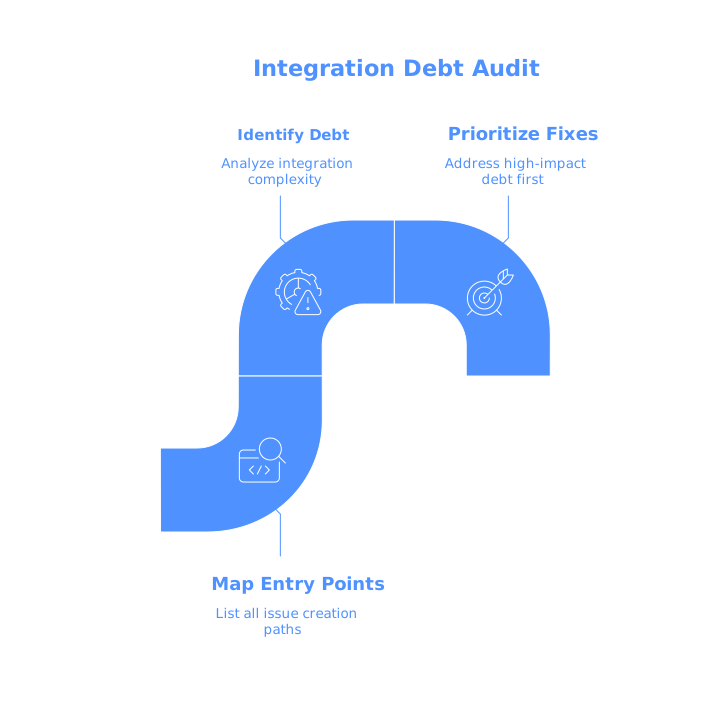
The quarterly Integration Debt Audit at a glance
Run this audit once per quarter (or after any major workflow change). It works best when done by a product lead and an engineering lead together, with one person taking notes and making configuration changes as you go.
1) Map every path that can create or mutate an issue
Start by listing every “entry point” that can create an issue, comment, label, or status change. Typical sources include:
- Slack actions or workflows (message shortcuts, emoji reactions, workflow automations)
- GitHub (PR links, auto-close keywords, commit references, CI notifications)
- Support tools (Zendesk, Intercom, Help Scout), forms, and email-to-issue forwarding
- Customer feedback hubs (portals, forums, NPS tools)
- Automation platforms (Zapier, Make, custom scripts)
The output of this step is a simple table: source, what it creates, where it lands, who owns it. If a path has no owner, it’s already a debt risk.
2) Verify every automation has a “triage boundary”
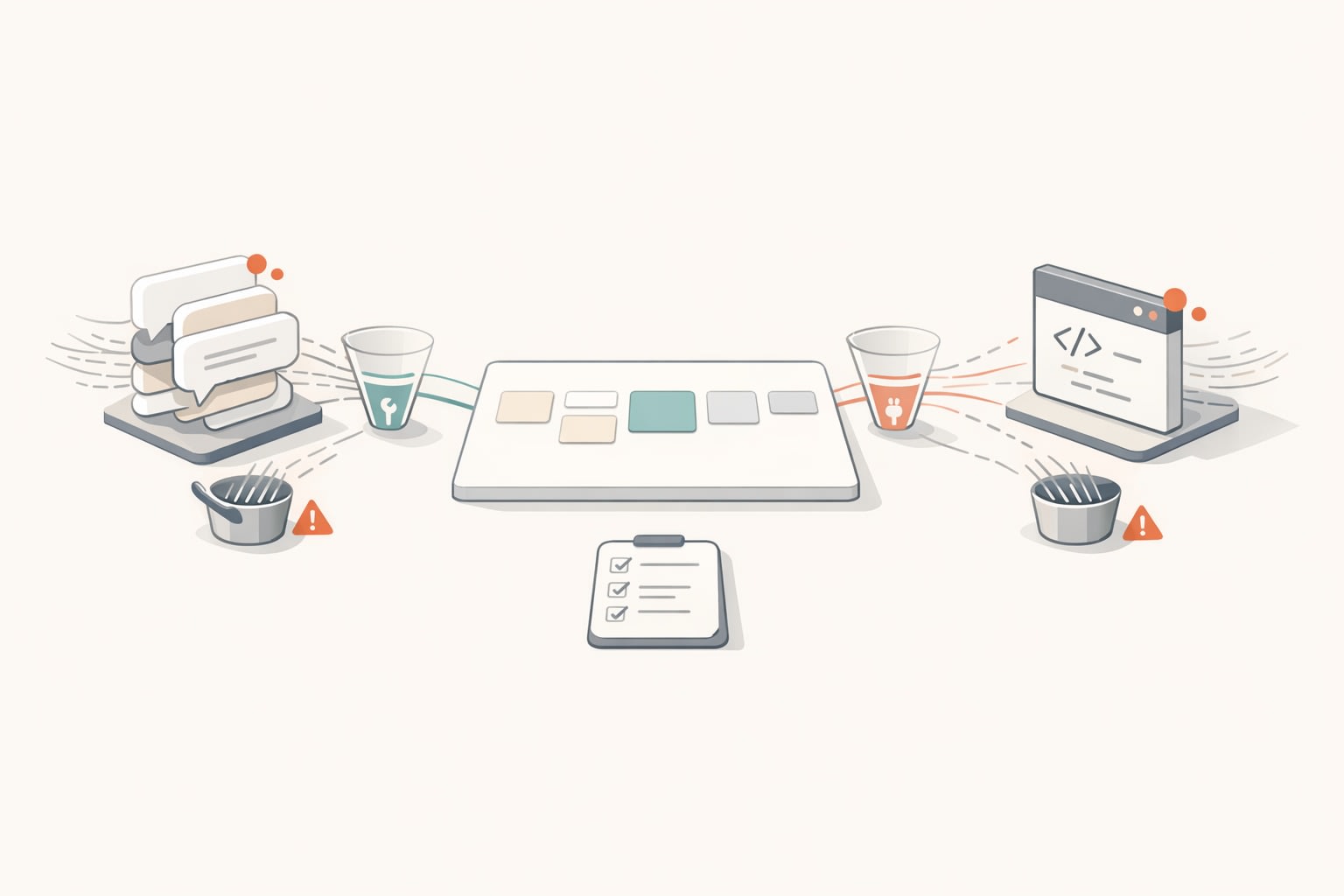
The most common failure mode is an integration that creates “real” backlog items without a deliberate human decision. Define a triage boundary: a place where new items can accumulate without corrupting the main backlog.
In Linear, this often means routing automatically created items into a dedicated inbox, team, or state (for example, a “Needs Triage” state) rather than dropping them straight into an active cycle. The boundary should enforce two things:
- No cycles by default: automations shouldn’t assign work to a cycle.
- No priority by default: don’t let integrations imply importance.
If you’re seeing customer bugs interrupting planned work, this boundary problem is usually the root cause. It’s closely related to the “silent queue” dynamic where issues pile up off to the side and then explode during planning—worth addressing as a system, not as a one-off cleanup. If that pattern sounds familiar, see The Silent Queue Problem and How to Keep Customer Bugs From Derailing Your Roadmap.
3) Reduce Slack-to-issue creation to one intentional mechanism
Slack is a great place to notice problems; it’s a terrible place to define them. The audit question is: how many different ways can someone turn a Slack message into an issue?
Pick one mechanism and remove or discourage the rest. For example:
- One approved shortcut that creates an issue into a triage state
- A required template that forces a minimal spec (expected vs actual, environment, link to thread)
- A single channel (or small set) where “issue-worthy” items are allowed
Then sample the last 30 days of Slack-created issues and check: do they contain enough context to be actionable without chasing the original author? If not, your integration is converting attention into work too early.
4) Stop GitHub events from pretending to be product work
GitHub integrations can generate valuable traceability—PR links, references, status updates. The debt starts when raw engineering events become backlog items, or when status changes happen implicitly and confuse planning.
Audit these points:
- Auto-closing keywords: confirm they map to your workflow (e.g., closing issues only when merged to the right branch).
- PR-to-issue linking rules: ensure they add context instead of creating duplicates.
- Notification volume: avoid flooding issues with bot comments for every CI event.
A practical rule: GitHub should enrich an issue (links, references, status signals), not manufacture the issue backlog.
5) Deduplicate by design, not by heroics
If your team regularly discovers three versions of the same request—one from Slack, one from a sales call note, one from support—you don’t have a diligence problem. You have a routing problem.
During the audit, pick a recent theme (e.g., “export to CSV is slow”) and trace how it entered your system. Did it arrive through multiple pipes with different wording? Were any of those pipes auto-creating issues? Do they share a consistent tag, component, or customer identifier?
Fixes that work well:
- Shared taxonomy: a small set of labels/components used across all intake paths.
- One canonical issue: merge or link dupes quickly, and treat the canonical issue as the source of truth.
- Feedback linking: ensure support and sales notes attach to the canonical issue instead of spawning new ones.
For a deeper approach to spotting duplicates across channels, the mental model in Feedback Debt and How to Spot Duplicate Requests Across Support Sales and Forums pairs well with an integration audit.
6) Audit fields and metadata for consistency and drift
Integration debt also shows up as metadata drift: fields that used to mean something, labels nobody applies correctly, priorities inflated by default settings, or inconsistent naming conventions.
Check for:
- Zombie labels: labels with no recent usage, or used only by automations.
- Conflicting states: multiple “done-ish” states that confuse reporting.
- Default assignees: automations that assign work to a person as a side effect.
- Overloaded priorities: everything is P1 because inbound sources mark it urgent.
In Linear-style workflows, clarity comes from having fewer, sharper signals. If a field can be set by an integration, confirm it’s still trustworthy enough for planning and reporting.
7) Measure noise with two simple backlog health metrics
You don’t need a complex dashboard to know whether your integrations are behaving. Track these quarterly:
- Duplicate rate: percent of new issues that get closed as duplicates or merged within two weeks.
- Triage aging: median age of items sitting in the triage boundary (not in a cycle) before being accepted, rejected, or parked.
If duplicate rate is climbing, your intake paths are overlapping. If triage aging is growing, your boundary exists but your team doesn’t have a reliable triage cadence.
8) Assign owners and set a quarterly “integration change log”
Integrations degrade because they change quietly: someone adds a Slack workflow, a Zapier automation gets cloned, a GitHub app updates its permissions. Treat integration configuration like production code.
For each integration, assign a clear owner and keep a lightweight change log: what changed, when, and why. During the next quarterly audit, that log becomes your starting point—especially when the backlog suddenly feels noisier than last cycle.
What a “clean” outcome looks like in Linear
After a good audit, the backlog reads like an intentional roadmap of problems worth solving, not a transcript of every conversation and webhook. Slack threads still exist, GitHub stays connected, and customer feedback still flows—but the system makes it hard for noise to masquerade as committed work.
That’s the real payoff: your team keeps speed and clarity as you scale tooling, channels, and volume—without letting the integrations run the product.